Store screenshots that look like an agency made them.
AppSpectra turns the screens you already have into a polished App Store and Google Play set in about two minutes. AI art-directs three designs from your real UI; you pick one, change a word or a color, and export every required size.
Sign in with Google, GitHub or email. Free plan: one set a month, every store size, small watermark.
Before and after
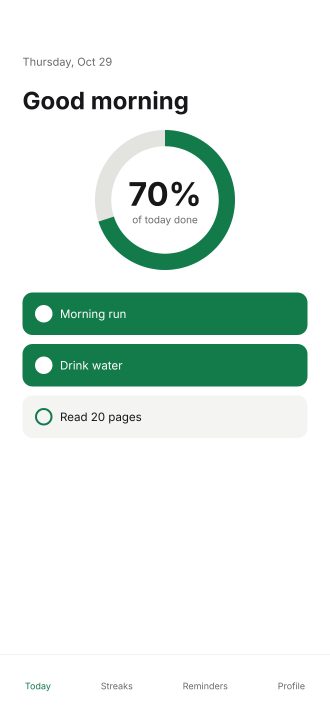
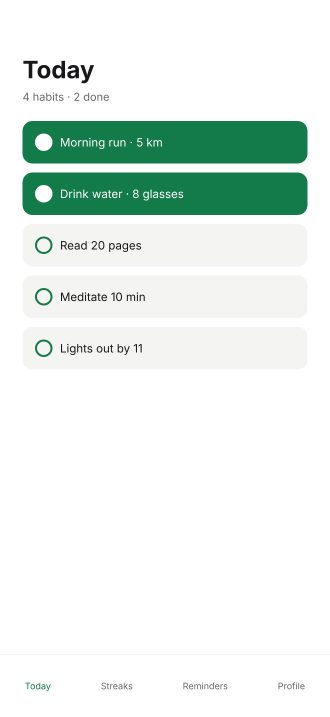
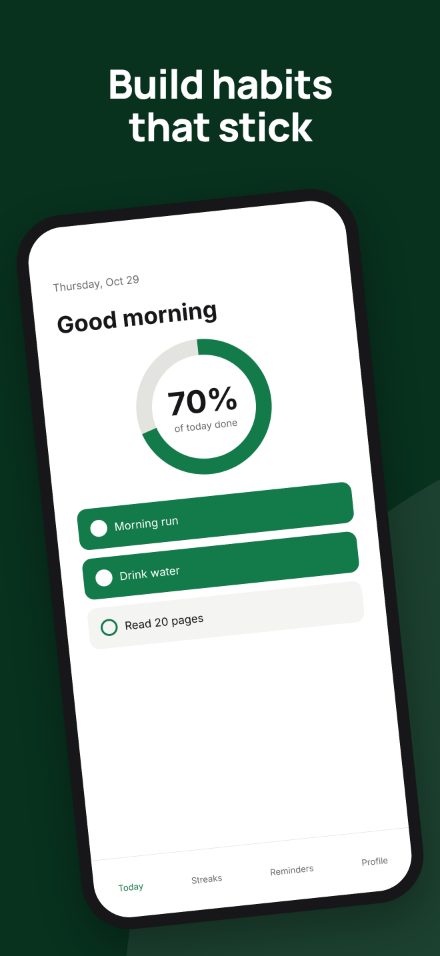
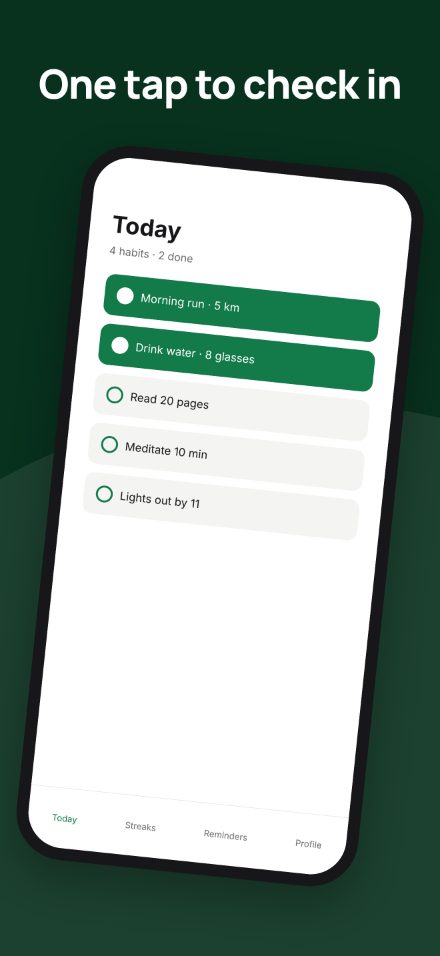
Same screens, same app. The UI is placed as-is; only the framing, type and background are designed.
Three directions from one upload. Pick one.
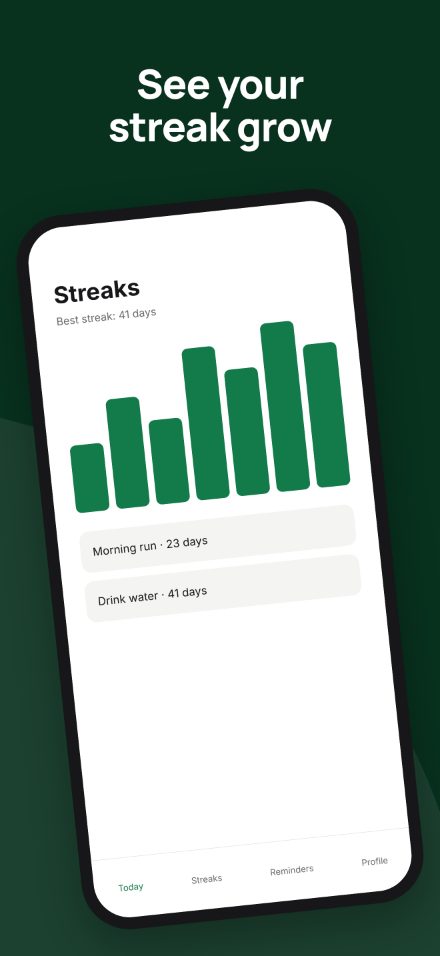
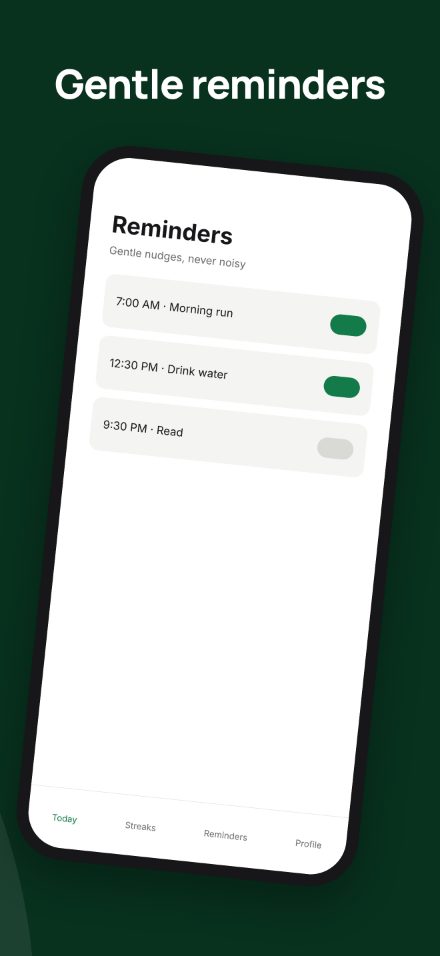
A sample set for a habit app, rendered by AppSpectra. Switch directions the way you would compare agency proposals.
Bold: The app's own deep green, tilted devices, one continuous background
Upload to download in about two minutes
- STEP 1
Upload your real screens
Drop in 3 to 10 screenshots, the app name and up to three features. AppSpectra reads the screens and measures your exact brand colors from the pixels.
- STEP 2
Pick one of three directions
AI art-directs layout, type, backgrounds and captions. You choose a direction and check it inside a real App Store search result before you commit.
- STEP 3
Click to edit, then export
Change captions, colors and fonts and watch each frame update with its checks. Export every iPhone, iPad and Google Play size in one ZIP, ready for App Store Connect.
Start free. Pay when you ship.
Every plan exports real store sizes. No preview-only tiers.
- 5 apps
- 30 sets a month
- No watermark
- 10 languages, 5 translated sets a month
- 15 apps
- 100 sets a month
- All 38 App Store languages, 15 translated sets a month
- Full icon export, 30 icons a month
Questions developers ask
Short answers first. The sizes guide and the comparison pages go deeper.
What size do App Store screenshots need to be in 2026?
iPhone screenshots are 1320 × 2868 pixels for the 6.9-inch class, which covers the current Pro Max, Plus and Air models. iPad screenshots are 2064 × 2752. AppSpectra exports every required size automatically.
Does AppSpectra change my app's interface?
No. Your screens are placed pixel for pixel. Only the framing, background, typography and captions are designed, which keeps you inside Apple's rule that screenshots show the real app.
Can I export without paying?
Yes. The free plan exports one full set a month at real store sizes with a small watermark. Paid plans remove the watermark and add languages, more apps and icon export.
How is this different from a template tool?
Template tools hand you a blank layout to fill in. AppSpectra art-directs the whole set from your screens, shows it inside a real App Store preview, and lets you change any caption, color or font with a live preview.
Does it work for Google Play?
Yes. The same design exports at 1080 × 1920 for Play phones, plus 7-inch and 10-inch tablet sizes.